Level setup
You can follow the setup steps to easily add the FPS to an existing level. You can setup the main objects using the steps below and then continues to mark objects of interest and setup camera tracks and set your particular recording and logging settings in the next step.
- Create a new level
- add and edit the level as you need
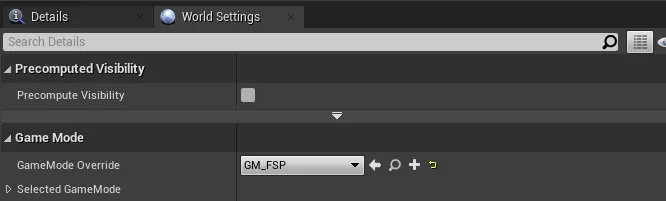
- Set the GM_FSP as the game mode in the level
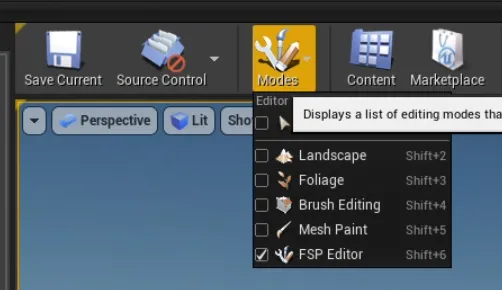
- Open FSP Editor mode
- Click on Initialize FSP
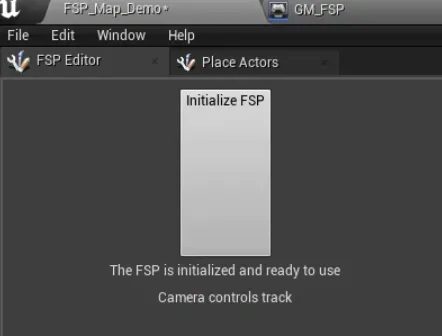
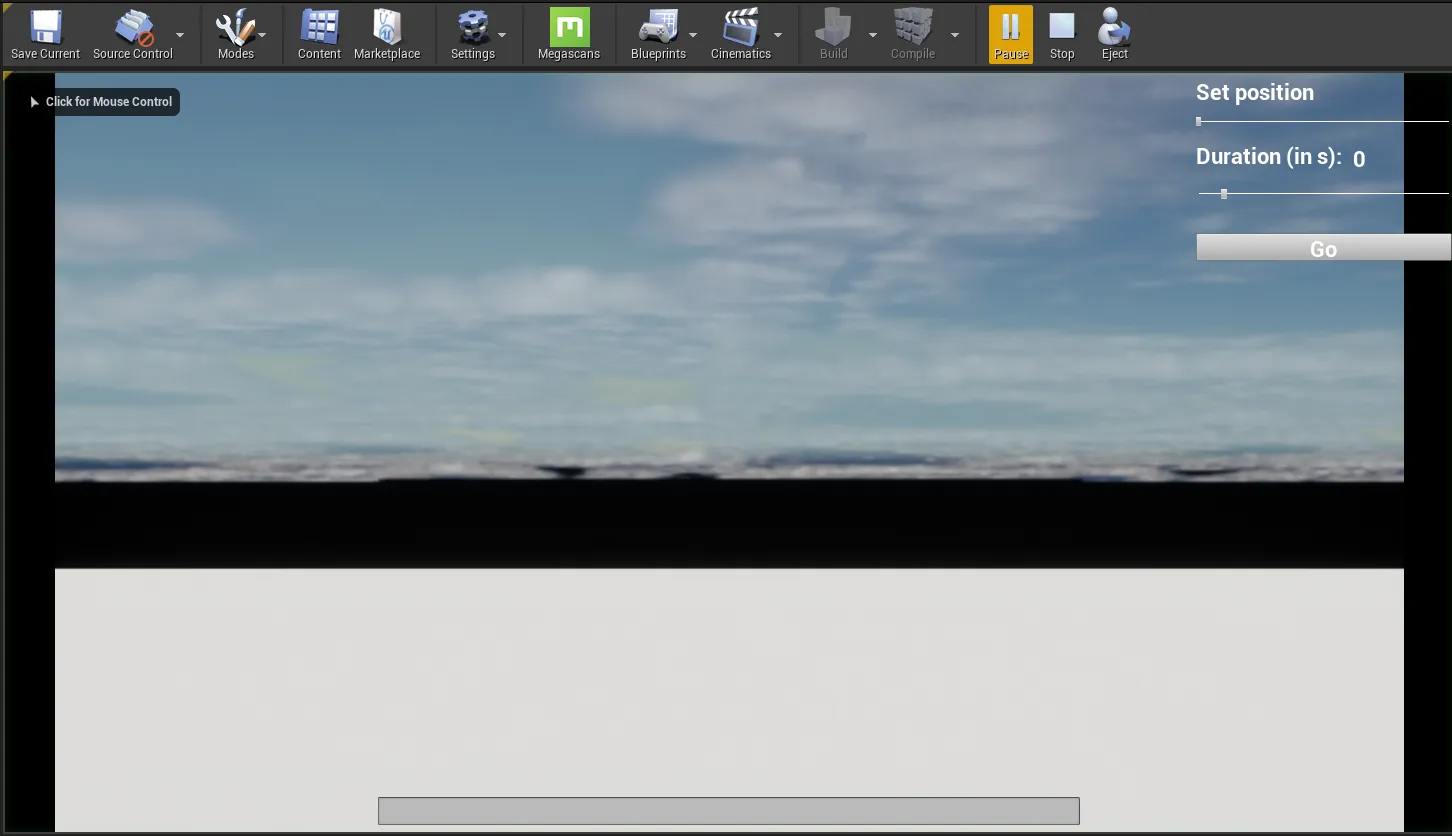
The script should attach and prepare all the necessary components. You can click play and see the offered menu in the top right corner and press E to check that the recording menu is available.
PLease continue to the next step