Camera tracks
The camera track is a simple object with a spline component attached.
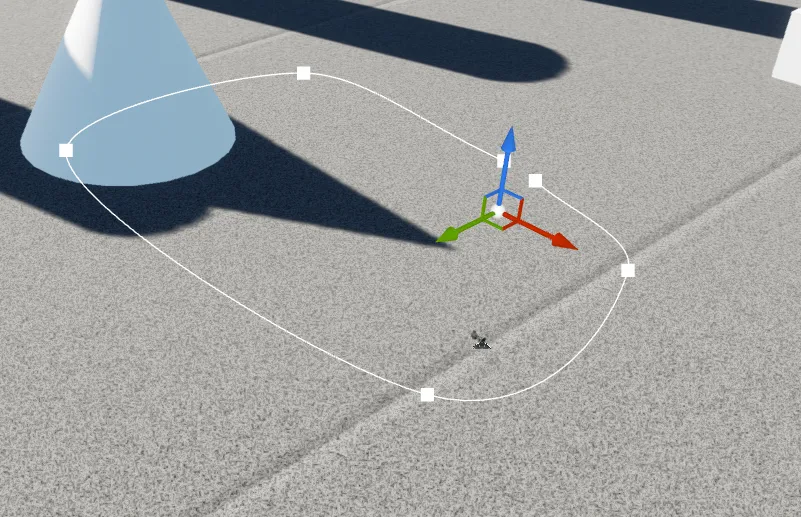
You can create it by clicking on the FSPManager and then clicking on the Add camera track button. This will create a new track in the scene. You do not need to edit anything bes
Switching the camera track
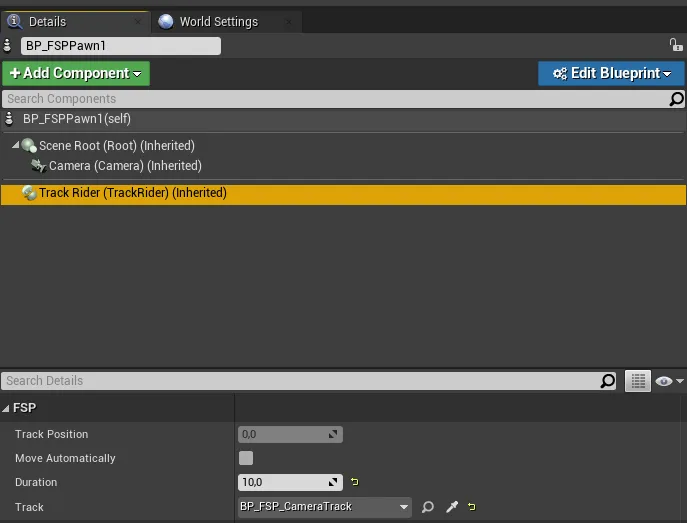
The camera track is assigned at the BP_FSP_Pawn object in the TrackRider component. in case you have multiple tracks, you can select the track you want to ride on from the dropdown menu in the TrackRider component.